
How do I adjust the speed settings on my Planetary Mixer?
How do I adjust the speed settings on my Planetary Mixer?
Adjusting the speed settings on a planetary mixer typically involves using the control panel or dial located on the machine. Most models allow you to select from multiple speed settings, often ranging from low to high, depending on the mixing requirements. Always refer to the user manual for specific instructions related to your model, as the exact steps may vary.
Proper speed adjustment is crucial for achieving the desired consistency in your dough or batter. Using the wrong speed can lead to overmixing, undermixing, or even damage to the equipment. The key factors to consider include the type of ingredients, the desired texture, and the capacity of the mixer.
Understanding Your Planetary Mixer's Speed Settings
Where is the speed control located on my planetary mixer?
The speed control is usually found on the control panel or as a dial on the front or side of the mixer. In most models, it's clearly labeled with speed indicators (e.g., 1 for slow, 2 for medium, etc.). Some advanced models may have digital displays for more precise control.
How do I know which speed to use for different mixing tasks?
Lower speeds (1-2) are typically used for initial mixing of dry ingredients or gentle folding. Medium speeds (3-4) work well for most doughs and batters. High speeds (5-6) are usually reserved for whipping creams or light mixtures. Always start at lower speeds when adding new ingredients to prevent splashing.
What safety precautions should I take when adjusting speeds?
Always ensure the bowl and attachments are properly secured before changing speeds. Never attempt to adjust speed while the mixer is overloaded. When increasing speed, do so gradually to prevent sudden splashing or ingredient spillage. Some models have safety locks that prevent operation if components aren't properly installed.
Why does my mixer sometimes struggle at higher speeds?
This usually indicates the mixer is overloaded or the dough is too stiff. Planetary mixers have optimal capacity limits - exceeding these can strain the motor. For heavy doughs, it's better to use lower speeds and longer mixing times rather than forcing higher speeds.
Can I damage my mixer by using the wrong speed setting?
Yes, consistently using speeds that are too high for the task can wear out the motor prematurely. Similarly, forcing thick doughs at high speeds can damage gears. The mixer's sound is a good indicator - if it's laboring or making unusual noises, reduce the speed or batch size.
Common Speed Settings for Different Mixing Tasks
The exact speeds may vary by model, so always test small batches first when working with a new recipe or mixer. Heavier doughs generally require slower speeds than lighter mixtures.
Maintenance Considerations for Speed Adjustment
Regular maintenance ensures your speed controls remain accurate and responsive. Wipe down control panels regularly to prevent ingredient buildup. If speed settings become inconsistent or the mixer struggles at previously manageable speeds, it may indicate need for servicing. Lubrication of moving parts and inspection of electrical components should be part of routine maintenance.
When to Consider Professional Assistance
If your mixer exhibits any of these issues, professional servicing may be needed: speed settings not responding correctly, unusual noises when changing speeds, or the mixer stopping unexpectedly during operation. For businesses that rely heavily on their mixers, having a maintenance contract with the manufacturer or local service provider can minimize downtime.
Key Decision Points for Speed Adjustment
- If you're mixing a new recipe for the first time, start at lower speeds and observe the mixture's consistency before increasing
- If the mixer sounds labored or the bowl is shaking excessively, immediately reduce speed or stop to check for overload
- If you notice ingredients aren't incorporating properly, pause and scrape the bowl before continuing
- If speed control becomes inconsistent, schedule maintenance before the issue worsens
- If you frequently need higher speeds than your current mixer provides, consider whether a more powerful model would better suit your needs
For optimal results, keep a log of speed settings that work best for your regular recipes. This creates consistency in your product quality and helps identify when adjustments might be needed due to ingredient variations.
News List
- Spiral dough mixer capacity gaps that affect daily outputMay 09, 2026
- Is a 10kg dough spiral mixer too small for commercial use?May 09, 2026
- Mixer dough spiral issues that often lead to uneven kneadingMay 09, 2026
- What makes a planetary mixer easier to clean after wet mixes?May 09, 2026
- Why 20 liter planetary mixers are popular in test kitchensMay 09, 2026
- Spiral dough mixer energy use vs output: what really mattersMay 09, 2026
Best-Selling Products
 Industrial Commercial mixer cake Dough Mixer planetary mixer for sale
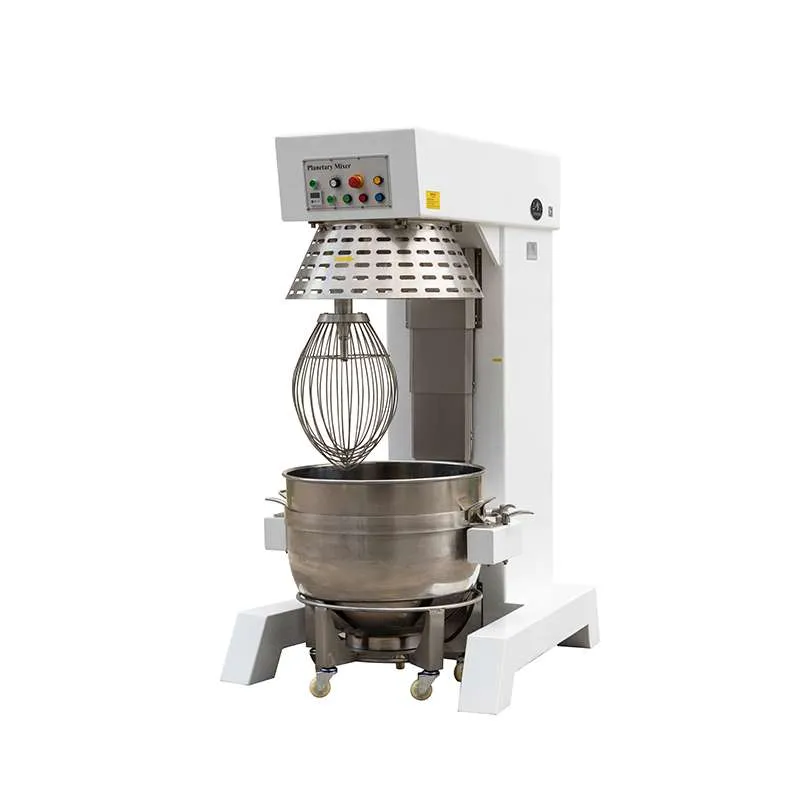
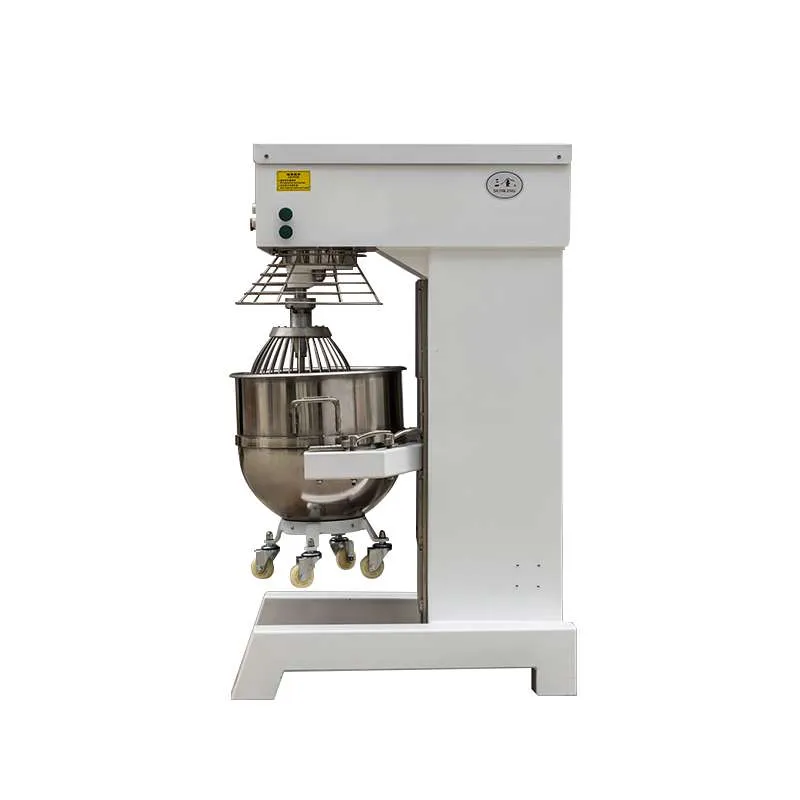
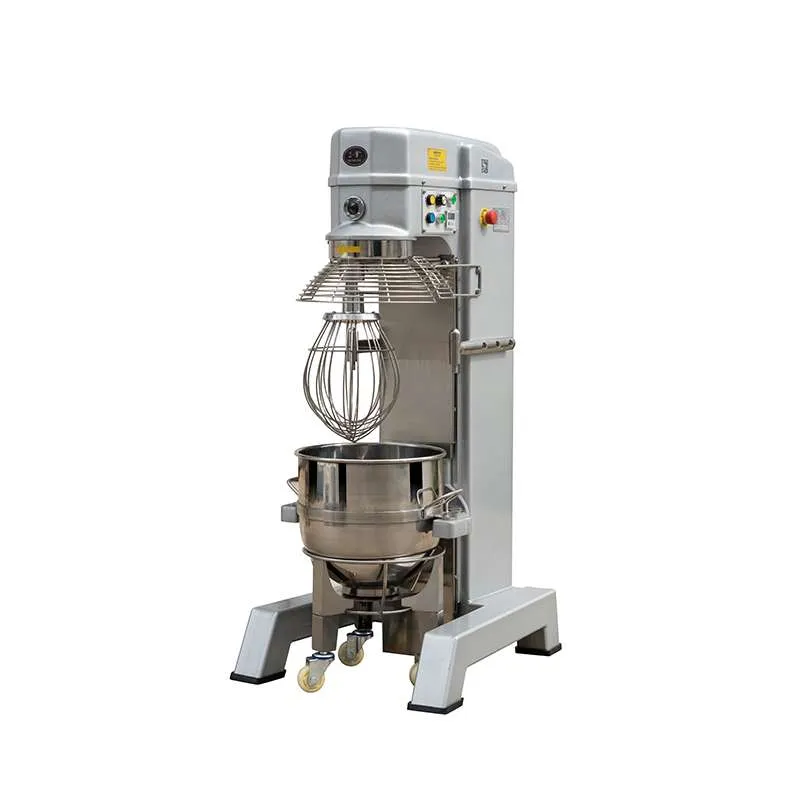
 Hot Selling SKM-60L 80L 100L Stainless Steel Planetary Mixer
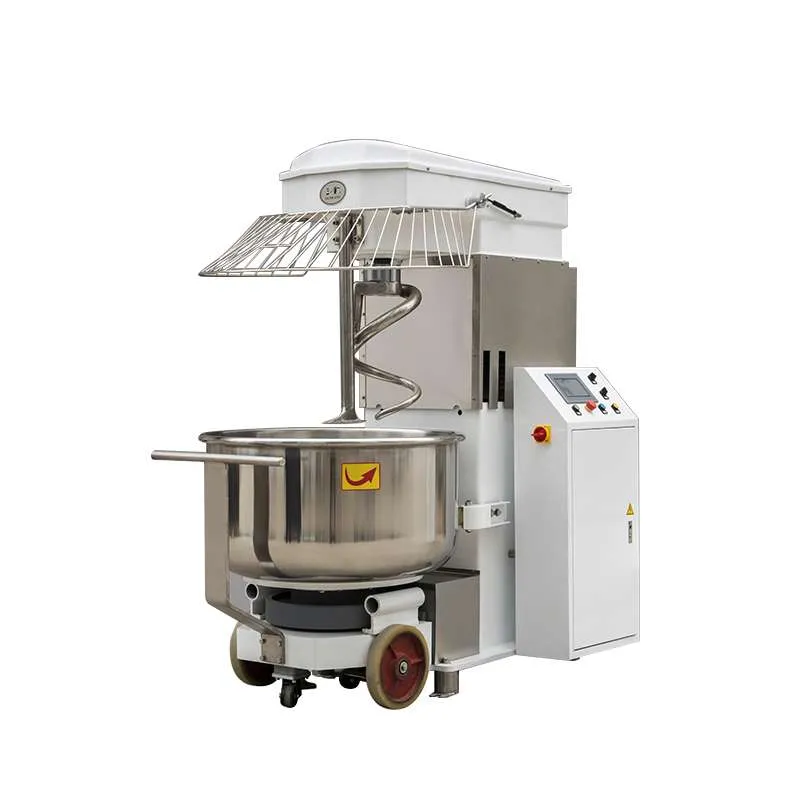
 Bakery Equipment 125kg 150kg Kneader Spiral Dough Mixer
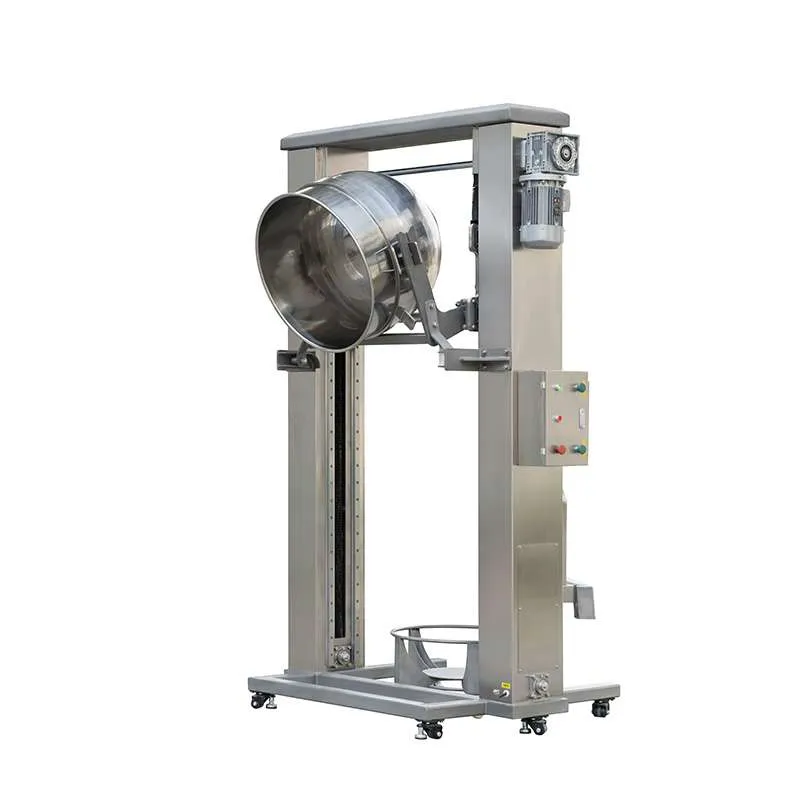
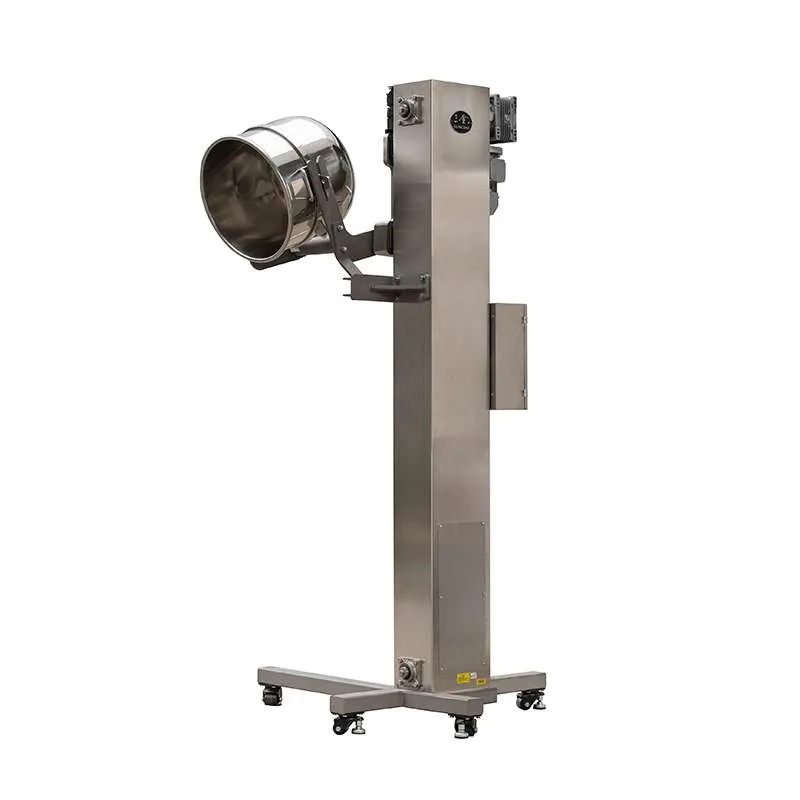
 Double Columns Lifting Machine
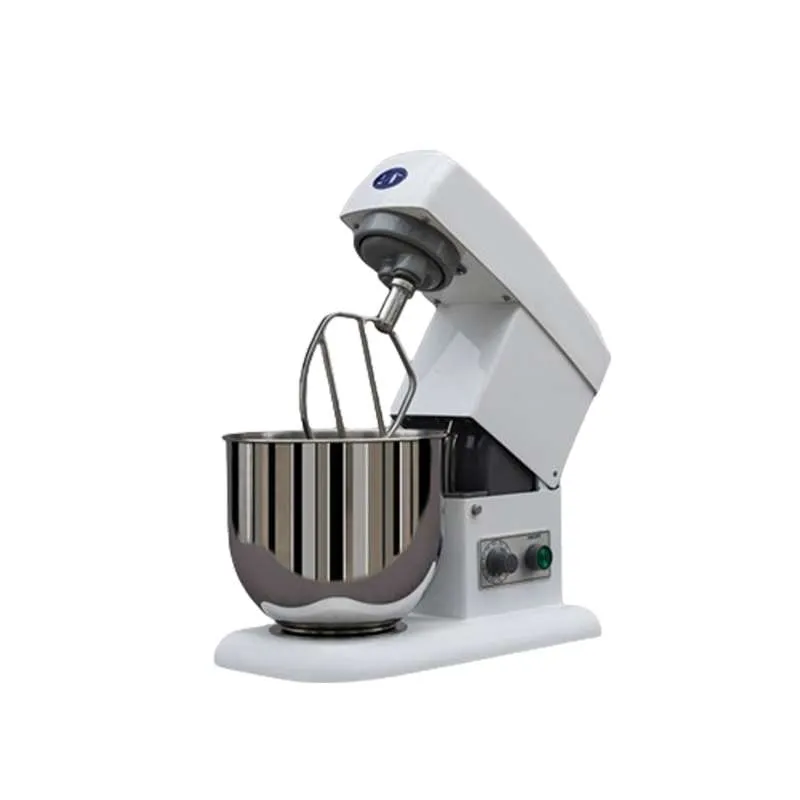
 7L 600W Electric Mixer Stand Mixer Bread Mixer
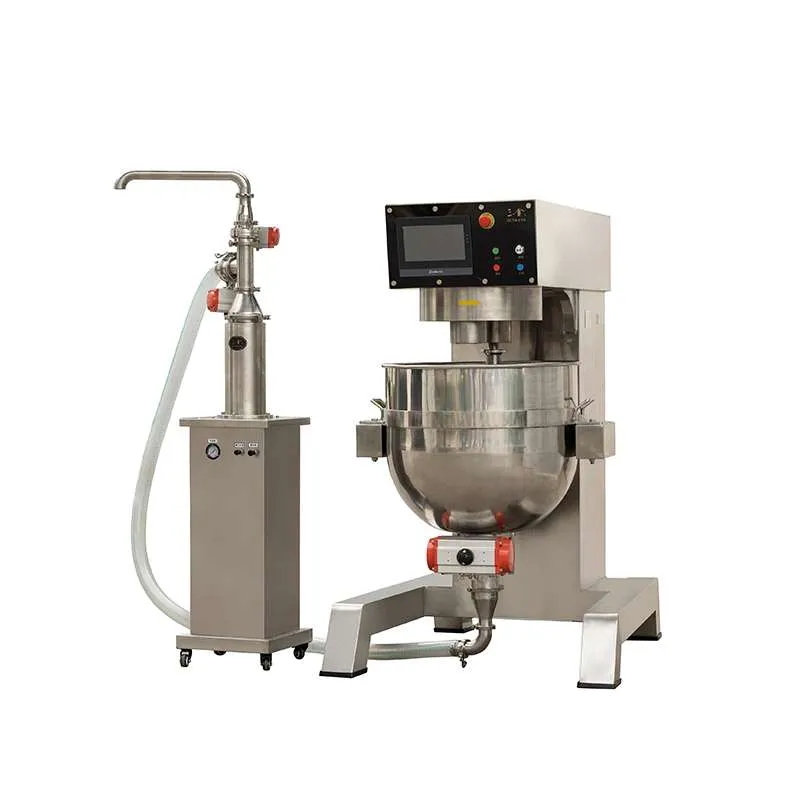
 Piston Pump For Planetary Mixer
 Mobile Planetary Mixer With Mobile Platform And Customizable Height
 2024 Kitchen Mixer With One Ball Commercial Appliances Planetary Mixer
Leave Us a Message
Send us a Message
A dedicated person will follow up on your needs one-on-one and provide personalized customized solutions according
to your needs.
Get In Touch
We look forward to hearing from you for in-depth communication on how to fulfill your mixing requirements.
Please give us a message